


how to add subdomains in cPanel
At HostFast cPanel you can add subdomains very easily, Just follow these steps.
Step 1
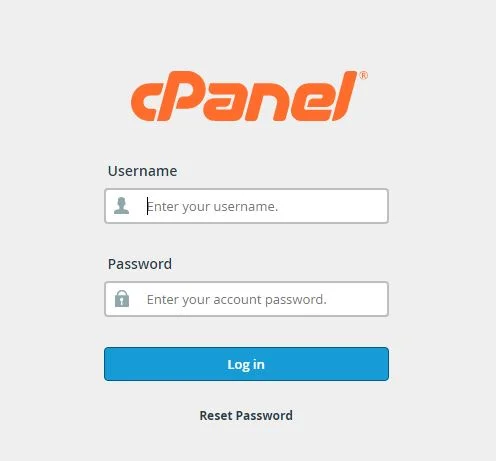
Login to your cPanel Account, By entering your login credentials e.g. username and password.
Step 2
After Login to cPanel go to 4th section named as “Domains” under this section click “Subdomains” .
Step 3
Enter the required name for your subdomain for example “Blog” and click the create button. You are done your subdomain is created. SSL Certificate will be installed automatically.
Click Create, Done.
Register any domain extension with us and get 30 days of Web Hosting absolutely free, Applicable to all Basic Plans, Except VPS Plans.
Choose a support option and we'll get you to the right place.




Attracting customers to your website is one thing but it’s speed that keeps them there. You can trust HostFast to deliver the lightning-fast loading speeds your site requires, no matter the scope of traffic you expect.
HostFast is subsidiary of The Netcom Digital Marketing Service

© 2020 – 2027 hostfast.pk – Premium Web Hosting, VPS, and Domain Registration Services

Save more every time you purchase hosting from HostFast. With our Instant Cashback Offer, you get money back immediately after completing your order — simple, fast, and rewarding.
*Terms & Condition Apply